
Blog Details

From Manual Follow-Ups to Automated Workflows: How Businesses Are Changing the Way They Operate
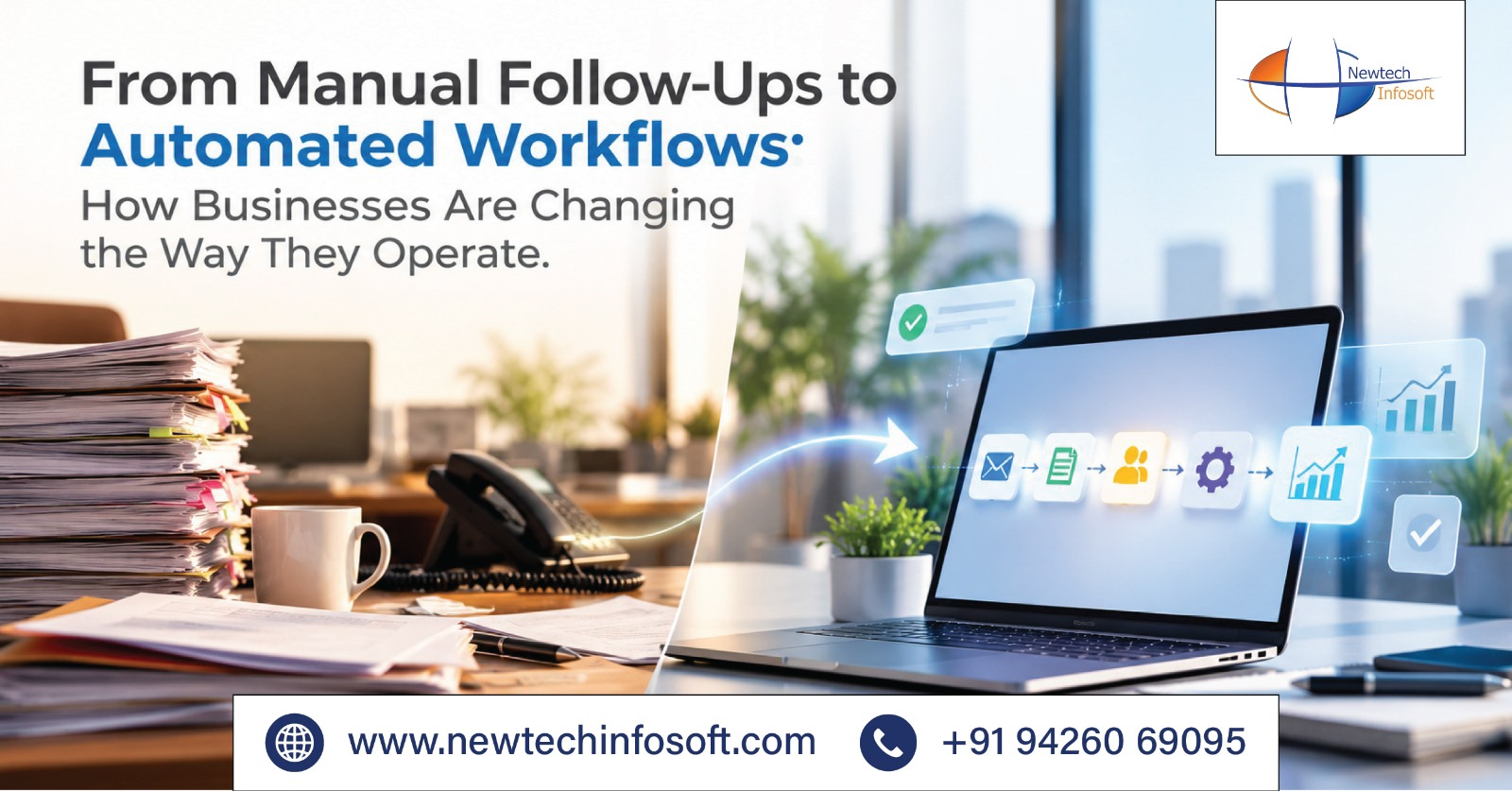
Businesses today manage multiple activities simultaneously, including customer enquiries, sales follow-ups, employee tasks, document approvals, and internal communication. When these activities depend on manual coordination, routine operations can consume considerable time and effort.
Employees often need to send reminders, update spreadsheets, track pending tasks, and communicate with different departments to ensure that work moves forward. As businesses grow, managing these responsibilities manually becomes increasingly difficult, encouraging organizations to adopt automated workflows.
Why Businesses Are Moving Away from Manual Follow-Ups
Manual follow-ups may work when a business handles a limited number of customers and tasks. However, as operations expand, keeping track of every activity becomes challenging. A sales employee may forget to contact a potential customer, an approval request may remain pending, or an important update may not reach the concerned department on time.
These small delays can affect productivity, customer experience, and overall business performance. Some common challenges associated with manual processes include:
- Missed follow-ups: Important customer enquiries and internal tasks may go unnoticed.
- Time-consuming activities: Employees spend valuable hours sending reminders and updating records.
- Communication gaps: Information can get scattered across emails, spreadsheets, and messaging platforms.
- Delayed decisions: Manual approval processes can slow down business operations.
- Limited tracking: Managers may struggle to monitor pending and completed activities.
These challenges are encouraging businesses to replace repetitive manual tasks with structured digital processes that provide better control over daily operations.
Manual Processes vs. Automated Workflows
Workflow automation uses software to complete predefined activities based on specific actions or business rules. Instead of depending on employees to remember every step, the system can manage reminders, task assignments, notifications, and updates automatically.
The following comparison explains how automation changes everyday business activities:
| Business Activity | Manual Process | Automated Workflow |
|---|---|---|
| Customer follow-ups | Individual reminders | Automatic reminders and notifications |
| Task management | Manual assignment and tracking | Rule-based task assignment |
| Document approvals | Repeated emails and follow-ups | Structured approval sequences |
| Data management | Repeated manual entries | Automated updates and integration |
| Progress tracking | Manual status checking | Centralized activity monitoring |
Automation does not eliminate the need for employees. Instead, it reduces repetitive work and allows teams to concentrate on customer relationships, decision-making, and important business responsibilities.
How Automated Workflows Are Changing Business Operations
1. Faster Customer Communication
Customer enquiries require timely responses, especially when businesses are handling multiple potential customers simultaneously. When every follow-up depends on manual communication, enquiries may remain unanswered or receive delayed responses.
Automated workflows can record new enquiries, assign them to the appropriate sales representative, and generate reminders whenever a response is pending. Businesses can also automate appointment confirmations, service reminders, and order updates, helping teams maintain consistent communication without manually managing every interaction.
2. Better Task and Team Management
Managing responsibilities across multiple departments requires proper coordination and visibility. Without a structured system, managers often spend time asking employees for updates and reminding them about deadlines.
Automated workflows can assign tasks, notify employees about upcoming deadlines, and update progress as activities are completed. For example, when one department finishes its assigned work, the system can notify the next responsible team. This creates a more organized process and helps managers monitor ongoing activities more effectively.
3. Simplified Document Approvals
Invoices, purchase requests, contracts, and other business documents often require approval from multiple individuals. When these processes depend on emails or physical paperwork, requests can remain pending without clear updates.
Automated approval workflows can forward documents to the appropriate individuals, generate notifications for pending approvals, and move requests to the next stage once the required action is completed. This reduces unnecessary communication and helps businesses maintain a more structured approval process.
4. Connected Business Processes
Many organizations use separate software applications for sales, accounting, inventory, and customer management. When these systems operate independently, employees may need to enter the same information multiple times, increasing administrative work and the possibility of errors.
Integrated automated workflows help connect different applications so information can move between departments. For instance, confirming a sales order can trigger an inventory update and notify the billing department, reducing duplicate work and improving coordination.
Key Benefits of Workflow Automation
Adopting automated workflows can improve business productivity by reducing the time employees spend on repetitive administrative activities. Automated processes also help minimize errors caused by manual data entry, speed up task execution, and make responsibilities easier to monitor.
Managers gain better visibility into pending activities, while employees can focus on work that requires communication, problem-solving, and decision-making. Another important advantage is scalability. As businesses receive more enquiries, manage additional customers, or expand their teams, structured workflows help them handle increasing workloads without depending entirely on manual coordination.
However, successful automation requires understanding existing business challenges and selecting processes that genuinely benefit from automation.
The Role of Custom Software and AI in Business Automation
Every organization has different operational requirements. While standard software can manage common activities, businesses with specific processes may need customized solutions. Custom software development allows organizations to build systems around their workflows, departmental requirements, and business objectives. It can also connect existing applications to create a more integrated working environment.
Artificial intelligence is expanding these possibilities by helping businesses analyze information, categorize enquiries, generate responses, and manage routine customer interactions. For example, an AI-powered calling agent can assist with routine customer communication, while workflow automation can direct the collected information to the appropriate department.
At Newtech Infosoft, businesses can explore custom software development and AI automation solutions to simplify repetitive processes and improve operational efficiency. Combining suitable software, integrations, and automation capabilities helps organizations build workflows that support their changing business requirements.
Conclusion
The shift from manual follow-ups to automated workflows represents an important change in how businesses manage daily operations. Organizations are moving away from processes that depend entirely on individual reminders and repetitive administrative work.
By starting with activities such as customer follow-ups, task assignments, and document approvals, businesses can gradually improve coordination and reduce unnecessary manual effort. With suitable software and automation solutions, they can establish more efficient operations and create a stronger foundation for business growth.
Explore Newtech Infosoft to discover software and automation solutions for your business.
Frequently Asked Questions
1 What is workflow automation in business?
Workflow automation uses software to manage repetitive business activities based on predefined rules. Examples include task assignments, customer follow-ups, notifications, and document approvals.
2 How does automation reduce manual follow-ups?
Automated systems generate reminders, send notifications, and update task statuses automatically. This reduces the need for employees to track every activity manually and helps prevent important tasks from being overlooked.
3 Which business processes can be automated?
Businesses can automate sales follow-ups, customer communication, invoice processing, document approvals, employee onboarding, appointment reminders, inventory updates, and other repetitive operational activities.
4 Is workflow automation suitable for small businesses?
Yes. Small businesses can automate essential repetitive activities to save time, improve team coordination, manage customer communication, and handle growing workloads more efficiently.
5 What is the difference between workflow automation and AI automation?
Workflow automation follows predefined rules to complete tasks, whereas AI automation can interpret information, identify patterns, generate responses, and support more intelligent business processes.
6 How can custom software help automate business operations?
Custom software can be designed around specific business requirements, helping organizations connect departments, automate repetitive activities, reduce manual data entry, and manage operations through integrated systems.